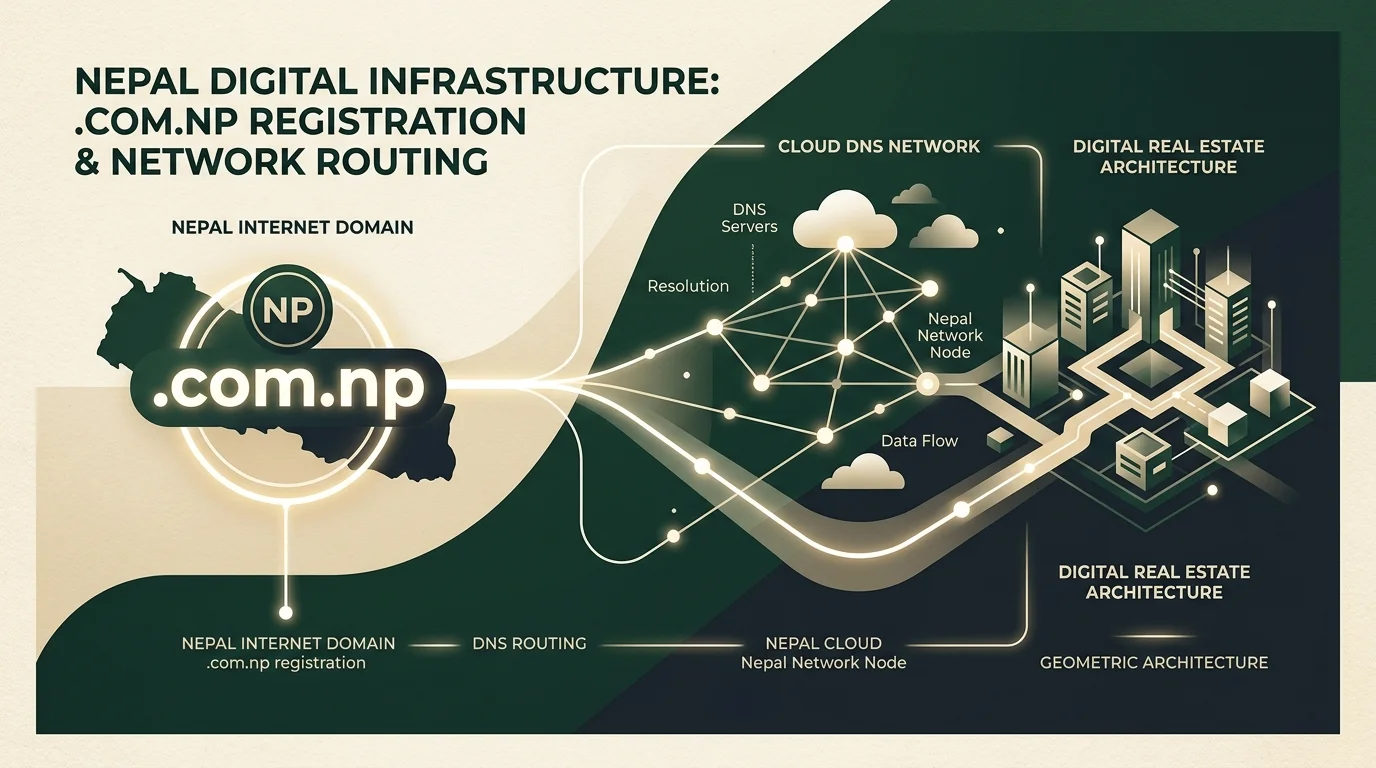
Nepal is one of the few nations in the world where its official country-code top-level domain (ccTLD)—the .np namespace—is provided completely free of charge. Administered by Mercantile Communications under authorization from the Government of Nepal, any Nepali citizen or registered local business can secure a .com.np web address with zero registration fees and zero ongoing renewal charges.
Yet despite being free for over two decades, thousands of applicants get stuck every month. Applications get rejected for minor document mismatches, and those who get approved often discover a confusing surprise: Mercantile’s registry does not offer standard DNS management (no A records, CNAME, or MX record editing).
This guide provides the complete, end-to-end blueprint: from official eligibility rules and copy-paste cover letter templates, to setting up free Cloudflare DNS, deploying on modern cloud hosts (Vercel & GitHub), and understanding when an established business must invest in a commercial .com.
1. Official Eligibility Rules: Personal vs. Company Domains
Mercantile enforces a strict naming policy to prevent domain squatting and trademark theft. Before submitting an application, understand which category applies to you:
Personal .com.np Domains
A personal domain is tied directly to your legal identity as stated on your Nepali Citizenship Card (Nagrikta), Passport, Driving License, or National Identity Card (NID).
- The Strict Name Match Rule: The domain name must be a direct derivative of your official legal name. For example, if your legal name is Vivek Adhikari, eligible domain combinations include:
vivekadhikari.com.np,vadhikari.com.np,adhikarivivek.com.np, orvivek-adhikari.com.np. - What Is Not Allowed: You cannot register arbitrary nicknames, generic business concepts, or hobby titles (e.g.,
techguru.com.np,nepalitraveler.com.np) under a personal citizenship document. Such applications are rejected automatically.
Company & Organization Domains
Registered companies, NGOs, educational institutions, and sole proprietorships can register domains matching their official enterprise identity.
- Required Proof: The requested domain must match the company name registered with the Office of the Company Registrar (OCR), Department of Industry, or local ward office, validated by your official PAN/VAT certificate.
- Generic and Brand Names: If your company wishes to register a product or brand name that differs from the legal registered corporate name, you must provide a certified Trademark Certificate issued by the Department of Industry.
2. Step-by-Step Registration Blueprint on register.com.np
Follow this exact workflow to submit your application without errors:
Step 1: Check Availability and Create an Account
- Visit the official portal at register.com.np.
- Search for your intended domain (e.g.,
yourfullname.com.np) to verify it is available. - Click Register User to create your personal or corporate account using a reliable email address you monitor regularly.
Step 2: Enter Nameserver Details
Mercantile requires you to submit valid primary and secondary nameservers during initial application. Do not enter fake or placeholder text; Mercantile checks if nameservers respond.
If you plan to use Cloudflare for full DNS control (highly recommended, detailed below), enter your assigned Cloudflare nameservers here (e.g., alec.ns.cloudflare.com and zoe.ns.cloudflare.com).
Step 3: Document Upload Requirements
Every document uploaded to the portal must adhere to strict technical guidelines:
- File Format: JPG or PNG only. PDFs are not accepted.
- File Size: Strictly under 200 KB per image. Use free image compression tools like TinyPNG or Squoosh to shrink your scans before uploading.
- Legibility: Ensure full corners of the document are visible, with no flash glare over your citizenship number or date of birth.
- Required Files for Individuals: Citizenship Front Scan, Citizenship Back Scan, and a signed Cover Letter.
- Required Files for Companies: Company Registration Certificate, PAN Certificate, and an official Cover Letter printed on company letterhead with official rubber stamp.
3. Official Cover Letter Templates (Copy & Paste)
A major friction point for applicants is drafting the mandatory application cover letter. Below are two verified templates you can adapt immediately:
Template A: For Personal Domain Registration
Date: [Today's Date, e.g., 23 September 2026]

To,
The HostMaster,
Mercantile Communications Pvt. Ltd.
Kathmandu, Nepal

Subject: Application for personal .com.np domain registration

Respected Sir/Madam,

I am writing to formally request the registration of the domain name "[yourdomain.com.np]" under my legal name, [Your Full Legal Name].

I am a citizen of Nepal holding Citizenship Certificate Number [Your Citizenship No.], issued in [District Name] District. I intend to use this domain to host my personal professional portfolio, curriculum vitae, and technical writings.

I have reviewed and agree to adhere strictly to all domain registration terms and conditions established by Mercantile Communications.

Attached with this application are scanned copies of both sides of my Nepali Citizenship Certificate for your verification.

Thank you for your assistance.

Sincerely,

Name: [Your Full Name]
Citizenship No: [Your Citizenship No.]
Address: [Your City/Municipality, District, Nepal]
Contact Number: [Your Mobile Number]
Email: [Your Email Address]
Template B: For Company / Business Registration
[Print on Official Company Letterhead]

Date: [Today's Date, e.g., 23 September 2026]

To,
The HostMaster,
Mercantile Communications Pvt. Ltd.
Kathmandu, Nepal

Subject: Application for company .com.np domain registration

Respected Sir/Madam,

We hereby request the registration of the domain name "[yourcompany.com.np]" for our legally registered company, [Official Registered Company Name Pvt. Ltd.].

Our organization is duly registered under the Office of the Company Registrar with Registration Number [Company Reg. No.] and PAN/VAT Number [Company PAN No.]. This domain will serve as our official commercial web portal and primary digital communication channel.

We have attached copies of our Company Registration Certificate, PAN Certificate, and this authorized application letter for your records.

Thank you for your prompt cooperation.

Sincerely,

Authorized Signatory: _____________________
Name: [Full Name of Director/MD/Authorized Person]
Designation: [e.g., Managing Director / CEO]
Company: [Official Company Name]
Company Stamp: [Affix Official Stamp Here]
Phone: [Office Phone Number]
Email: [Official Business Email]
4. The 5 Most Common Reasons for Rejection
If your application status displays “Rejected” or “Action Required” in your dashboard, it almost always stems from one of these five oversights:
- 1. Name Mismatch with Government ID: If your citizenship card says Bikash Shrestha, you cannot register
nepaltech.com.np. Mercantile only approves domains reflecting your actual name or registered corporate identity. - 2. Attempting to Register Generic Dictionary Words: Terms like
law.com.np,travel.com.np, ornews.com.npare classified as generic category words. Mercantile reserves these to prevent unfair commercial advantage unless backed by an explicit national trademark. - 3. Files Exceeding the 200 KB Limit: Modern smartphone photos are typically 3 MB to 8 MB. Uploading raw camera images will cause upload failures or automated rejections. Compress your images before submission.
- 4. Non-Functional Nameservers: Mercantile checks whether the nameservers you entered respond. If you enter inactive nameservers, your application may stall in verification.
- 5. Missing Company Stamp or Blurred Details: Corporate letters must bear the physical ink stamp of the business and clear signatures from an authorized officer.
5. The Missing Manual: Setting Up Free Cloudflare DNS
Here is the single biggest trap beginners face: Mercantile does not provide a DNS record editor. You cannot log into register.com.np and add an A Record pointing to your server, or a CNAME pointing to Vercel.
The modern solution is to delegate your domain’s nameservers to Cloudflare. Cloudflare provides a world-class, free DNS management console with instant propagation, enterprise DDoS protection, and free SSL certificates.
How to Route .com.np Through Cloudflare (Step-by-Step)
- Create a free account at cloudflare.com.
- Click Add a Site and enter your approved domain (e.g.,
yourname.com.np). - Select the Free Plan and continue. Cloudflare will scan for existing records.
- Cloudflare will display two assigned nameservers (for example:
alec.ns.cloudflare.comandzoe.ns.cloudflare.com). - Log into your dashboard at register.com.np, click on your domain, select Edit Nameservers, and paste the two Cloudflare nameservers into Primary and Secondary fields.
- Save the changes. Within 2 to 24 hours, Cloudflare will detect the delegation and activate your domain.
Once activated, you never need to touch the Mercantile portal again. You manage all A, CNAME, TXT, and MX records directly within Cloudflare, with DNS changes updating globally in less than 60 seconds.
6. Connecting to Modern Free Hosting (Vercel & GitHub)
Once your Cloudflare DNS is active, you can host professional web applications, portfolios, and blogs without paying for expensive shared hosting:
Hosting on Vercel
- Inside your Vercel project settings, navigate to Domains and enter
yourname.com.np. - Vercel will provide an A Record (IP address) and a CNAME Record.
- Open your Cloudflare DNS dashboard and add those records. Turn the Cloudflare proxy (orange cloud) to DNS Only (grey cloud) during initial SSL issuance, then switch to Proxied for global caching.
Free Custom Business Email via Cloudflare Email Routing
You do not need to pay for Google Workspace or Microsoft 365 to receive professional email on your .com.np domain. Using Cloudflare Email Routing, you can create addresses like contact@yourname.com.np and have all incoming emails forwarded instantly to your personal Gmail inbox for free.
7. The Strategic Perspective: .com.np vs. Commercial .Com
As a digital asset operator managing active domain holdings, I evaluate domain extensions through the lens of commercial defensibility and equity valuation.
When a .com.np Domain Makes Strategic Sense:
- Personal Portfolios & CVs: Ideal for developers, students, researchers, and solo operators establishing a domestic identity in Nepal.
- Local Consumer Services: Highly relevant for hyper-local businesses operating exclusively within Nepal's borders. Google recognizes
.npas a geotargeted ccTLD, giving it strong local search relevance across Nepal SERPs. - Brand Defense: Every established Nepali business should register its matching
.com.npimmediately to prevent competitors or bad actors from encroaching on their local identity.
When You Must Invest in a Commercial .Com:
- Global Customer Base: If you export goods, provide offshore software engineering, or sell to international buyers, a
.com.npextension triggers geographic friction. Foreign clients often do not recognize ccTLDs and prioritize universal.comproperties. - Transferability & Asset Liquidity: Under Mercantile’s current charter,
.com.npdomains cannot be legally sold, traded, or transferred on secondary domain aftermarkets like Escrow.com or Sedo. If you want to build an enterprise that can eventually be divested for capital gains, your business equity must reside on a transferable global domain. - Institutional Investor Confidence: Institutional investors and venture funds look for brand defensibility. Owning the primary
.comensures you own your commercial category unconditionally.
Read my detailed breakdown on Why Brandable Domain Names Matter for Nepali Businesses, or explore my Beginner's Guide to Domain Investment in Nepal to understand how domain assets appreciate in commercial value.
Conclusion
Nepal's .com.np namespace remains an extraordinary national asset. By respecting the strict naming guidelines, utilizing Cloudflare for enterprise DNS control, and pairing your local presence with an appropriate long-term domain strategy, you can establish an authoritative, high-speed digital presence at zero registry cost.
Have questions regarding local search architecture, domain valuation, or regional enterprise consulting? Explore my Hetauda Local Search Advisory or start a conversation via my contact channel.